Competitor monitoring is the part of competitive intelligence that runs on a schedule. A tool watches the pages, feeds and databases where competitors leave evidence, and tells you when something changes. The tools split into two groups by one test a buyer can repeat: can you see the price and start without a sales call? Three pass: Debriefing (the tool we make, $80 a month, no contract), Visualping and Similarweb. Six are quote-only (checked October 25, 2026).
To see where one competitor stands before you pick a tool, run the free competitor analysis tool. It reads both websites once and writes a snapshot, a SWOT and a battlecard.
What competitor monitoring covers
A competitor leaves evidence in five places. A full monitoring setup watches all five.
- Their website. Pricing page, homepage, changelog, integrations page. A quiet change here is the earliest signal of a strategy shift.
- Their hiring. Careers page and job boards. A company that posts six enterprise sales roles has decided something.
- Their funding and corporate moves. Rounds, acquisitions, executive changes.
- Their content and distribution. Blog, social, webinars, ads and the search terms they buy.
- What customers say. G2, Capterra, Reddit and review sites.
The cheap tools watch one or two of these and hand you raw alerts. The expensive ones watch all five and add a layer that scores or reads the signals for you.
How we ranked these tools
We used one test a buyer can repeat: can you see the price and start without a sales call? Tools that pass come first. We make Debriefing, so we say so, and it is first because it passes the test and reads the monitoring for you. Inside each group we rank by how much the tool watches and how fast you learn about a change.
For each tool we show its homepage, the price, what it watches and how often, who it fits, and its pros and cons. We read each price, or the absence of one, on the vendor’s own site, and we give the date next to it. When a vendor shows no price, we say so, because a missing price is a fact a buyer needs.
Best competitor monitoring tools in 2026
1. Debriefing: the monitoring read for you (the tool we make)
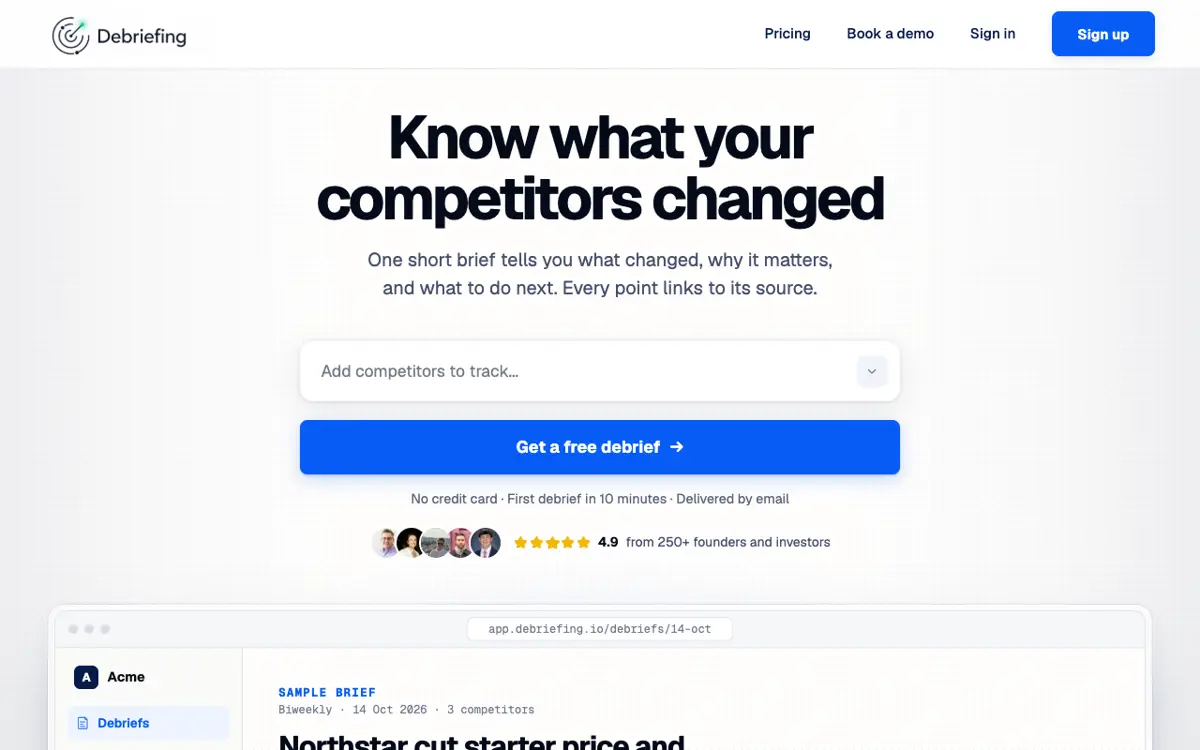
Debriefing watches a chosen set of competitors across six signal categories: product and pricing, AI and automation, hiring and team, funding and M&A, content and distribution, and market and regulation. It diffs competitor pricing pages, changelogs, careers pages, homepages and integrations pages between runs, and it reads 80+ web sources for news and reviews. Instead of a feed of alerts, it sends a written brief on a schedule, each one opening with a TLDR and recommended actions, then the signal detail, with the evidence attached to every finding.
- Price: From $80 a month, billed monthly, no contract. The first brief is free and needs no card (debriefing.io/pricing, checked October 23, 2026).
- Watches: Competitor pricing, changelog, careers, homepage and integrations, plus 80+ web sources.
- Best for: A company of 20 to 249 people that wants the monitoring read for it and a price it can see.
- Pros: Public monthly price. Every finding links to its source. A free first brief before you pay.
- Cons: No self-serve dashboard for ad-hoc queries. The product is the brief.
2. Visualping: free and low-cost page-change alerts
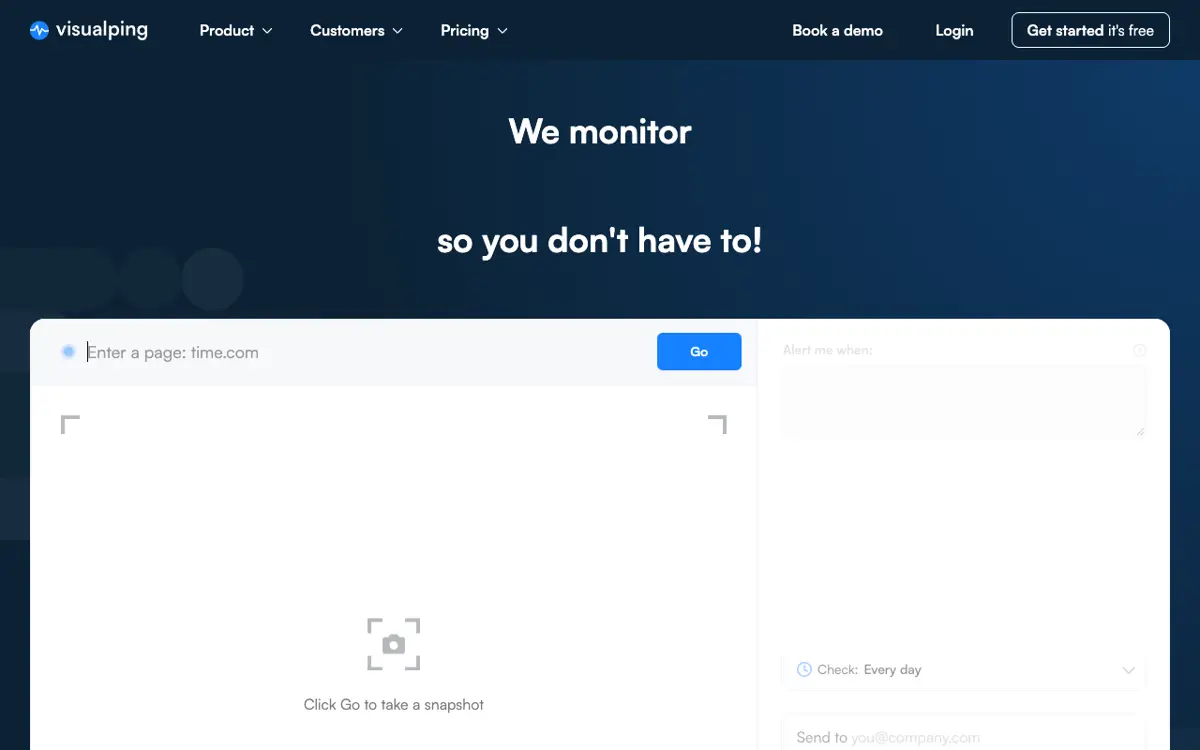
Visualping watches any URL and emails you a before-and-after image when it changes. Point it at a competitor’s pricing, product or careers page and you learn the moment they edit it. It is the simplest place to start.
- Price: A free plan (150 checks a month, 5 pages, no card). Paid plans start at $14 a month or $120 a year. The cheapest business plan is $140 a month or $1,200 a year, month-to-month or annual, with a 14-day trial (visualping.io/pricing, checked October 25, 2026).
- Watches: Changes on competitor homepages, pricing, product and careers pages, reviews and social.
- Best for: Anyone who wants pricing-page and homepage alerts today, for free.
- Pros: Cheap, self-serve, and a free plan that is useful on its own.
- Cons: It tells you a page changed. It does not tell you why it matters, and it watches nothing off the page.
3. Similarweb: competitor traffic and audience alerts
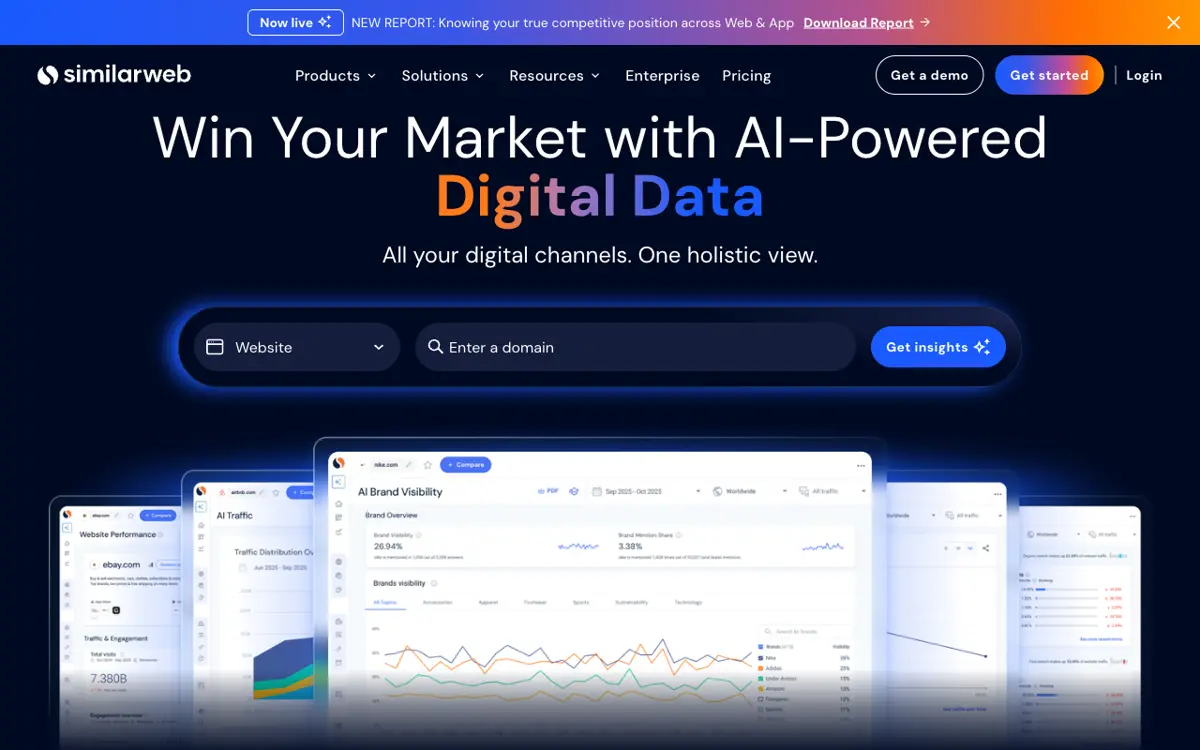
Similarweb estimates the website traffic, engagement and audience of any domain, and it alerts you when a competitor’s numbers move. It shows how a rival grows, which the page-change tools cannot see.
- Price: The Competitive Intelligence plan is $125 a month billed annually, or $199 billed monthly, for 1 user. Self-serve plans have a free trial (similarweb.com/packages/web, checked October 25, 2026).
- Watches: Website traffic, engagement, demographics and competitor alerts.
- Best for: Teams that benchmark competitors on traffic and audience growth.
- Pros: Public price, a monthly option and self-serve signup.
- Cons: Traffic data only at this tier. The SEO and ads data cost more, and it does not watch a competitor’s own pages for changes.
4. Kompyte: website and marketing-change monitoring through Semrush
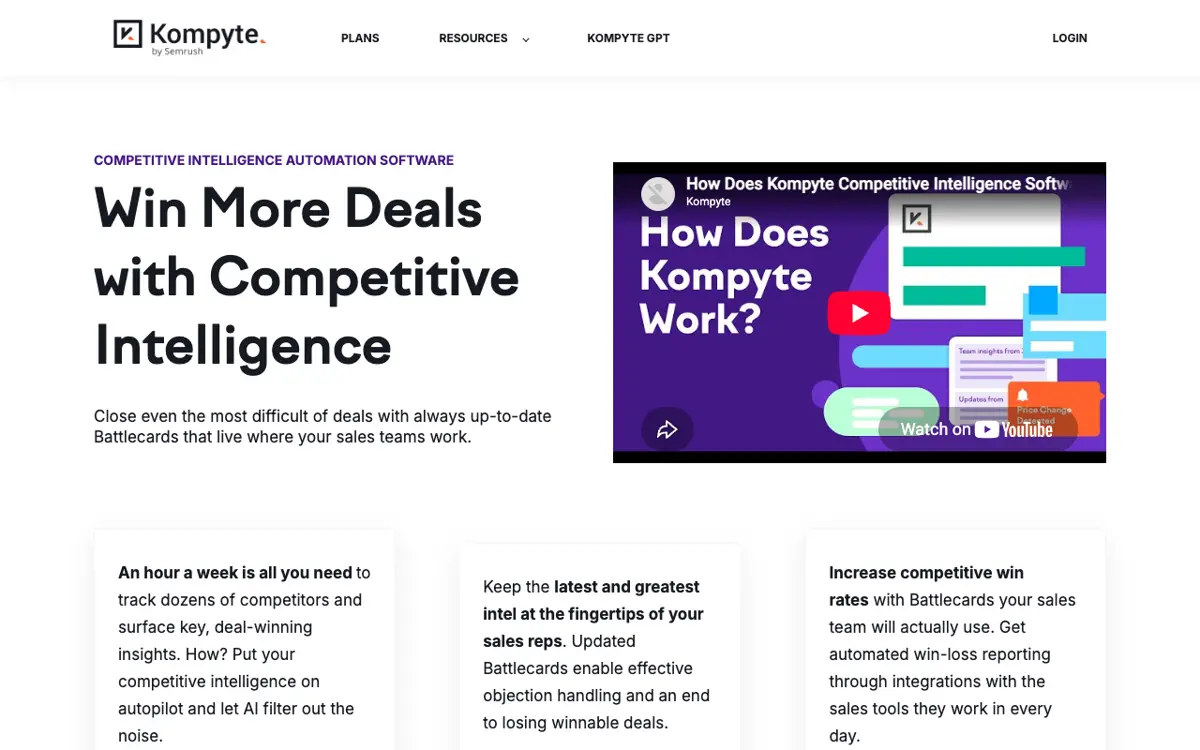
Kompyte tracks competitor websites, content and digital-marketing moves, and turns them into battlecards. Semrush now sells it, so the data pairs with Semrush’s keyword and traffic intelligence.
- Price: No public price. kompyte.com/pricing returns a 404, and Kompyte is quoted through the Semrush sales process (checked October 25, 2026). Annual contract.
- Watches: Website and digital-marketing changes, with battlecards on top.
- Best for: A marketing team that already pays for Semrush.
- Pros: Pairs with Semrush data you may already buy.
- Cons: A sales call to see any price, and the value depends on a separate Semrush subscription. See Kompyte pricing and alternatives.
5. Crayon: the widest automated monitoring engine
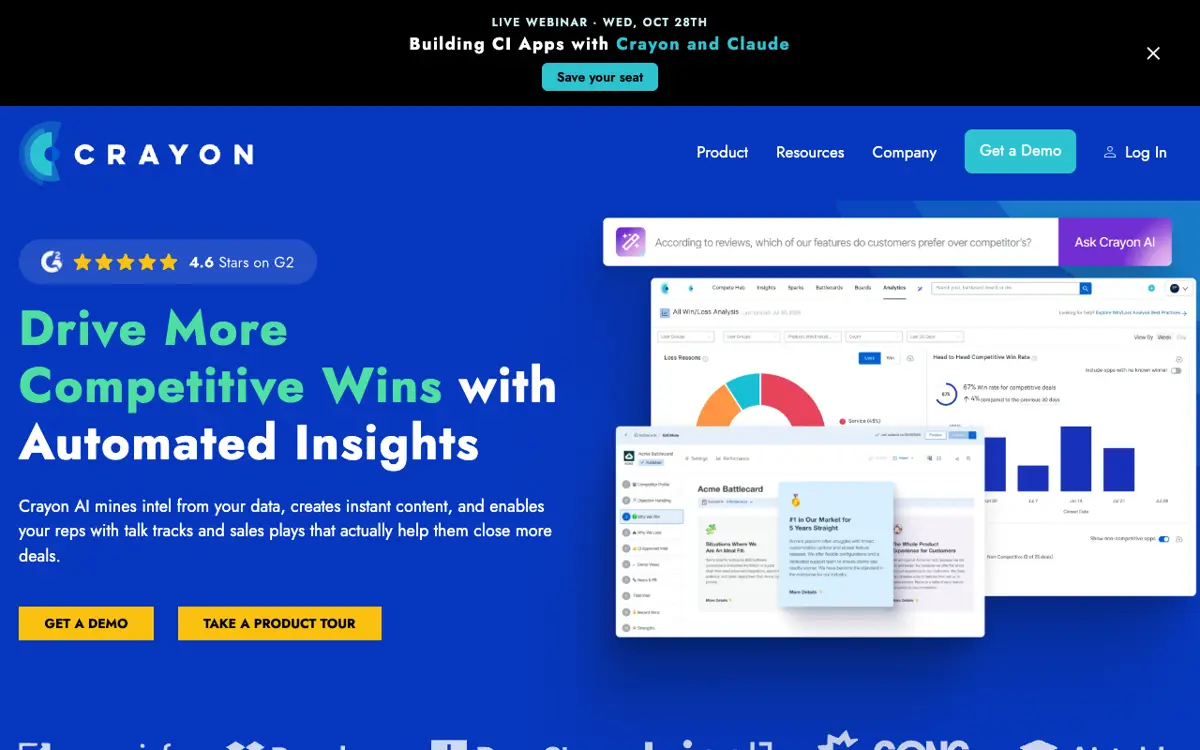
Crayon watches the most signal types of any standalone platform here. It tracks competitor websites, news, reviews, job postings and filings, then scores the signals with AI so an analyst can triage the volume.
- Price: No public price. The pricing page shows “Request an Estimate” and a demo request, with no figure (crayon.co/pricing, checked October 25, 2026). Annual contract.
- Watches: Websites, news, reviews, job postings, filings.
- Best for: A cross-functional CI program with a dedicated analyst to read a high signal volume.
- Pros: The widest automated collection here. AI scoring helps triage.
- Cons: Small teams drown in the signal volume without a person to curate it. See the Crayon competitive profile.
6. Klue: monitoring that feeds sales battlecards
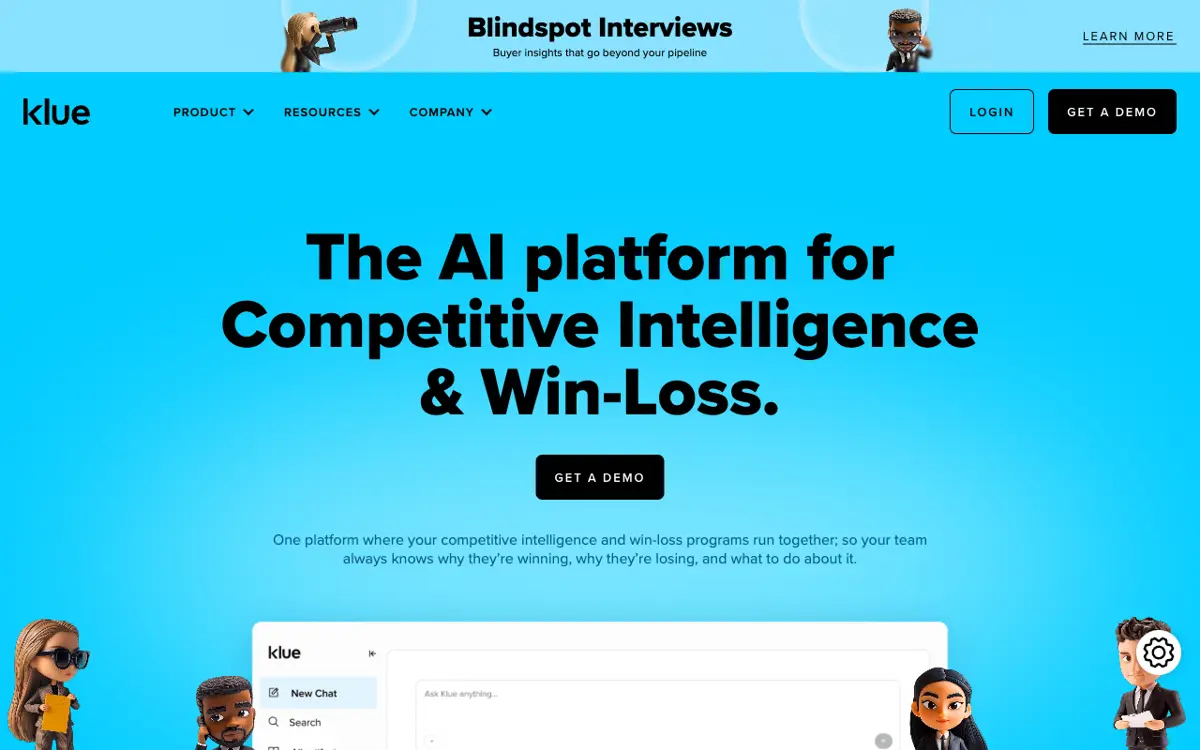
Klue turns monitoring into battlecards that reps open inside Salesforce during live deals, and it includes a win/loss module. The monitoring exists to keep the battlecards current.
- Price: No public price. The pricing page shows “Get a Demo”, with no figure (klue.com/pricing, checked October 25, 2026). Annual contract.
- Watches: Curated competitor intel plus some automated monitoring.
- Best for: A sales-led team with many reps and a product marketer to keep battlecards current.
- Pros: The best battlecard delivery inside the CRM. Win/loss in the same platform.
- Cons: Built for sales. Founders and strategy leads get less from it. See the Klue alternatives page.
7. Contify: news and market monitoring with digests
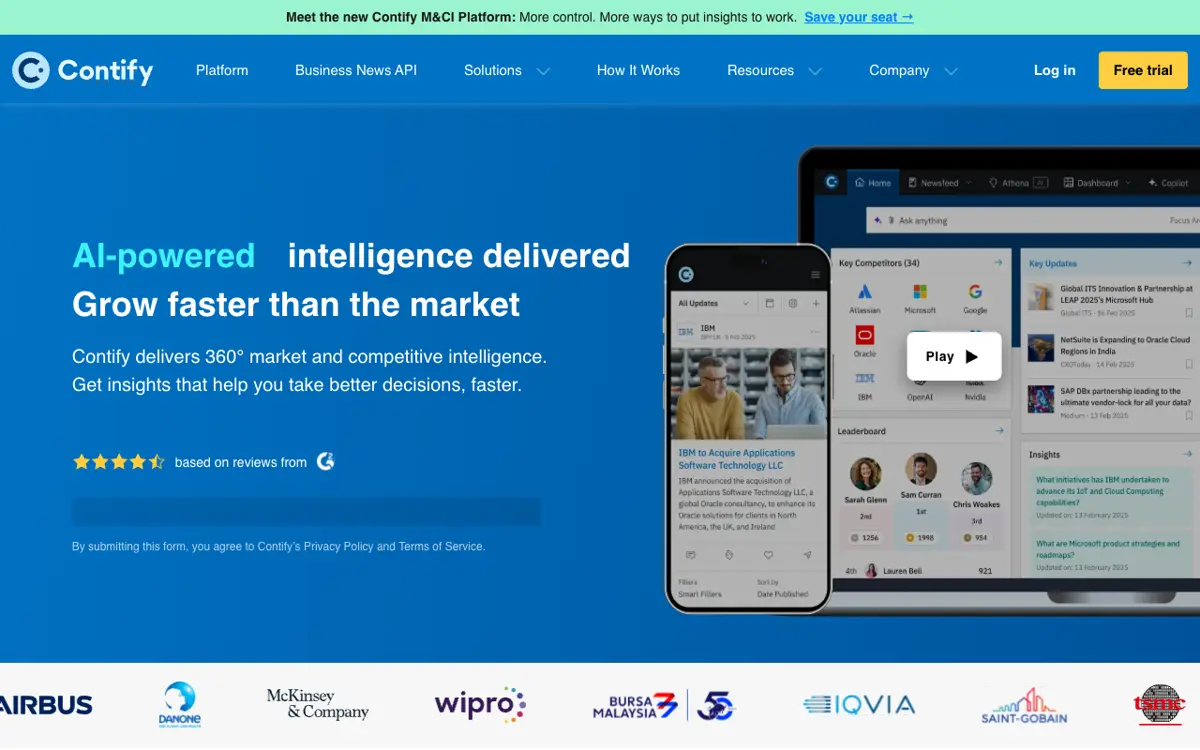
Contify is built around news. It watches a large set of sources, sorts them with a taxonomy, and sends digests to stakeholders who never log in.
- Price: No public price. The page offers a demo and a 7-day free trial, with no figure (contify.com/pricing, checked October 25, 2026). Annual contract.
- Watches: News, press and market sources at scale, with multilingual coverage.
- Best for: A strategy, marketing or analyst team that wants broad news coverage and automated digests.
- Pros: Broad news coverage. A free trial before the sales call.
- Cons: Light on direct website-change monitoring. See the Contify alternatives page.
8. AlphaSense: monitoring for finance and strategy research
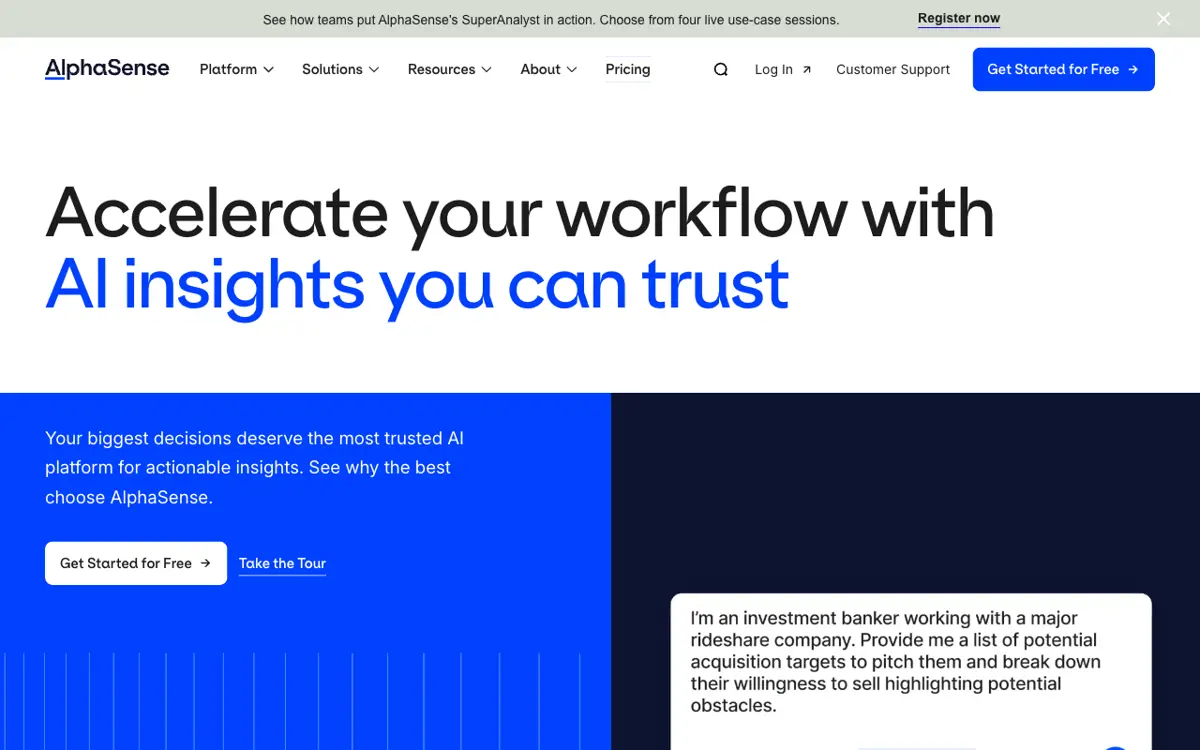
AlphaSense watches a large library of business content: broker research, expert call transcripts, company filings and financial data. It alerts analysts when a tracked company or topic appears in that content.
- Price: No public price. The pricing page asks you to connect with sales, and it sells annual subscriptions for all team sizes (alpha-sense.com/pricing, checked October 25, 2026).
- Watches: “500M+” documents, including broker research, expert transcripts and filings.
- Best for: Finance, corporate strategy and consulting firms.
- Pros: Deep paywalled content, including expert calls, that no other tool here has.
- Cons: Annual contract through sales. The content is built for finance research, which is more than most teams tracking three or four SaaS rivals need.
9. Valona Intelligence: broad market monitoring for industrial firms
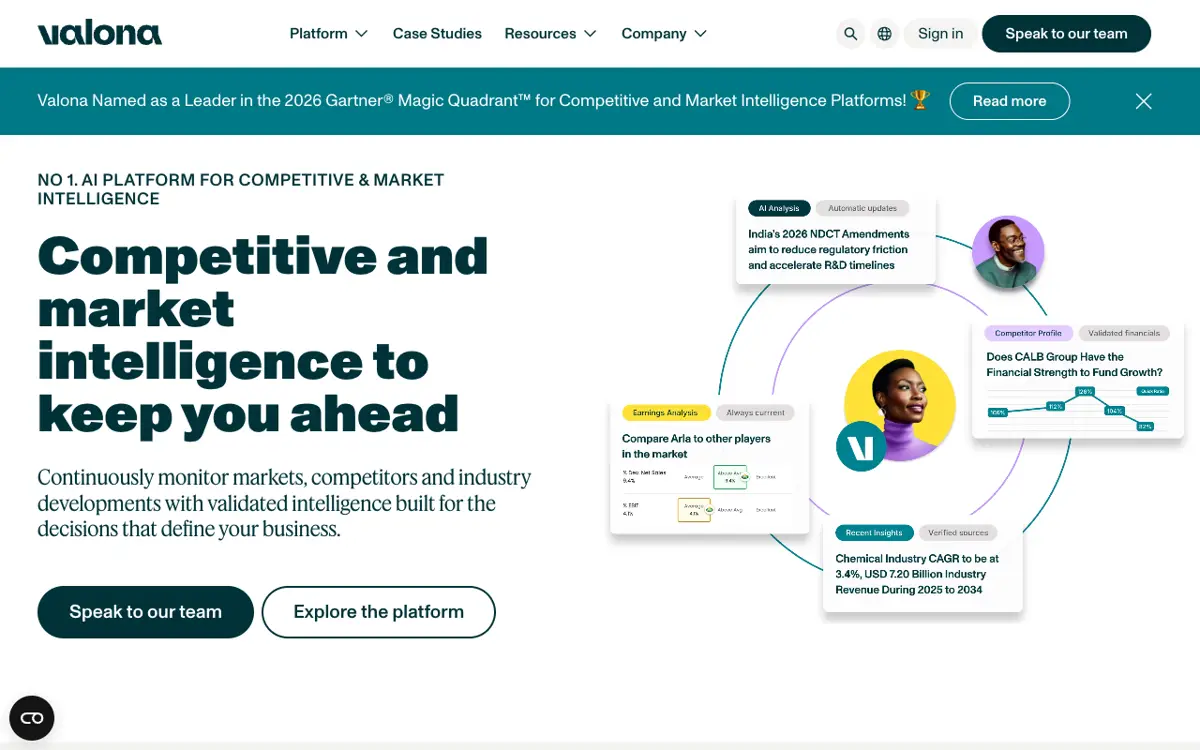
Valona watches markets, competitors and industry news across a very wide source set, and it adds AI analysis on top. Its customers are mostly large industrial companies.
- Price: No public price. The pricing page offers “tailored packages” through sales (valonaintelligence.com, checked October 25, 2026).
- Watches: “200,000+ global and local sources”, including 280+ paywalled sources, filings, trade, regulatory and patent data, in 115+ languages.
- Best for: Intelligence and strategy teams in manufacturing, chemicals, automotive and medtech.
- Pros: The widest source coverage here, in many languages.
- Cons: A sales call to see any price, and a focus on industrial markets. See Valona alternatives.
Comparison table
| Tool | Public self-serve price? | Entry price without a sales call | Direct site-change monitoring | What it watches | Contract | Price checked |
|---|---|---|---|---|---|---|
| Debriefing | Yes | $80/mo, first brief free | Yes | Pricing, changelog, careers, homepage, integrations, plus 80+ sources | No | Oct 23, 2026 |
| Visualping | Yes | Free plan; paid from $14/mo | Yes | Any web page you point it at | No | Oct 25, 2026 |
| Similarweb | Yes | $125/mo billed annually, or $199 monthly | No | Website traffic and audience | No | Oct 25, 2026 |
| Kompyte | No | None, quote only (via Semrush) | Yes | Website and digital-marketing changes | Yes | Oct 25, 2026 |
| Crayon | No | None, quote only | Yes | Websites, news, reviews, jobs, filings | Yes | Oct 25, 2026 |
| Klue | No | None, quote only | Partial | Curated intel, battlecards, win/loss | Yes | Oct 25, 2026 |
| Contify | No | None, quote only (7-day trial) | Partial | News and market sources at scale | Yes | Oct 25, 2026 |
| AlphaSense | No | None, quote only | No | Broker research, expert calls, filings | Yes | Oct 25, 2026 |
| Valona | No | None, quote only | No | 200,000+ news, trade and regulatory sources | Not stated | Oct 25, 2026 |
Free and low-cost options worth a mention
If the budget is near zero, three tools cover a competitor’s pricing page and press for little or nothing.
- Google Alerts is free. Set an alert for each competitor’s name and product names, and you get an email when Google indexes a new page that mentions them. It misses every change on a competitor’s own site and drowns in noise for common names, so pair it with a page-change tool.
- Competitors App tracks a competitor’s website, blog, social accounts, newsletters and ads in one feed, priced per competitor with a free trial (competitors.app). It is a cheap way to watch three to five rivals, though the per-competitor price adds up and you still read the feed yourself.
- Brand24 watches mentions of a brand across social, news, blogs and reviews. Plans start at $199 a month billed annually, or $249 a month, with a 14-day trial and no commitment (brand24.com/pricing, checked October 25, 2026). It is a mentions and social monitor rather than a website-change monitor.
We also make two free tools for a one-off check. The free competitor launch tracker lists each dated launch a competitor shipped in the last 90 days, from its changelog, release feed, GitHub releases and Product Hunt page. The free competitor hiring tracker counts the open roles on a company’s job board by team and by location.
How to choose
Pick by who reads the output and how much you can commit.
A founder or one marketer reads it. You want the answer rather than a feed to triage. Debriefing at $80 a month is built for this, and you can start without a contract. Add free Visualping alerts on the two or three pricing pages you care most about.
You only want alerts and will read them yourself. Visualping’s free plan covers a handful of competitor pages. Add Google Alerts for press.
You benchmark competitors on traffic. Similarweb shows how a rival’s audience grows.
A marketing team reads it. Kompyte if the job is website and digital-marketing changes and you already pay for Semrush.
A sales team reads it. Klue puts competitive content inside the CRM better than anything else here. Budget for an annual contract and a person to maintain the battlecards.
A strategy or analyst team reads it. Contify for broad news coverage and digests. Crayon when you need the widest automated collection and have an analyst to curate it. AlphaSense for deep finance research, Valona for industrial markets.
What to watch first, and how often
If you set up one monitor this week, watch the pricing page. A pricing change is the most consequential competitor move and the one companies announce least. Our competitive pricing analysis guide gives you the structure to log what you find.
A workable cadence for a small team: check pricing and homepage daily, careers and content weekly, and read a written review every two weeks. Automate the checks so the question goes away, and spend your time on what the changes mean. If you want the full platform comparison with analysis depth, see the best competitive intelligence tools.
FAQs
What is competitor monitoring?
Competitor monitoring is the scheduled tracking of a competitor’s public footprint: website changes, job postings, funding, content, ads and customer reviews. It is the data-collection half of competitive intelligence. The analysis half is deciding what the changes mean.
What is the best free competitor monitoring tool?
Visualping’s free plan (150 checks a month across 5 pages) for page changes, plus Google Alerts for news mentions. Together they watch a competitor’s pricing page and their press for nothing.
How much do competitor monitoring tools cost?
Three tools here publish a self-serve price: Debriefing at $80 a month with no contract, Similarweb’s Competitive Intelligence plan at $125 a month billed annually or $199 monthly, and Visualping with a free plan and paid plans from $14 a month. The other six (Kompyte, Crayon, Klue, Contify, AlphaSense and Valona) start with a sales call and sell annual contracts (checked October 25, 2026).
How often should I check competitors?
Automate the checks so the question goes away. Daily for pricing and homepage, weekly for careers and content, and a written review every two weeks. That cadence catches most moves within a day and gives you time to act on them.
Which competitor monitoring tool is best for a small team?
A small team rarely has an analyst to read a high signal volume, and a year-long enterprise contract is a large bet before the monitoring has proven its value. A monthly price with no contract fits better. Debriefing reads the monitoring for you and sends a brief. If the job is only page-change alerts, Visualping’s free plan covers it.
Which tools monitor competitor hiring trends?
Debriefing and Crayon read hiring signals. Debriefing watches competitor careers pages through ATS integrations and reports hiring as a trend that builds across cycles. Crayon tracks job postings as one of its 100+ signal types. For a free check before you pick a tool, the competitor hiring tracker counts the open roles on a company’s job board by team and by location. Visualping and Google Alerts do not track hiring.
Method
We read each price, or the absence of one, on the vendor’s own site on October 23 and 25, 2026, and we give the date next to each claim. Where a vendor shows no price, we report that, because a missing price is a fact a buyer needs. We describe what each tool watches from the vendor’s own site, and the screenshots show each homepage in October 2026. We update this page when a vendor changes its price, its contract terms or what it watches. To report a change, email team@debriefing.io.